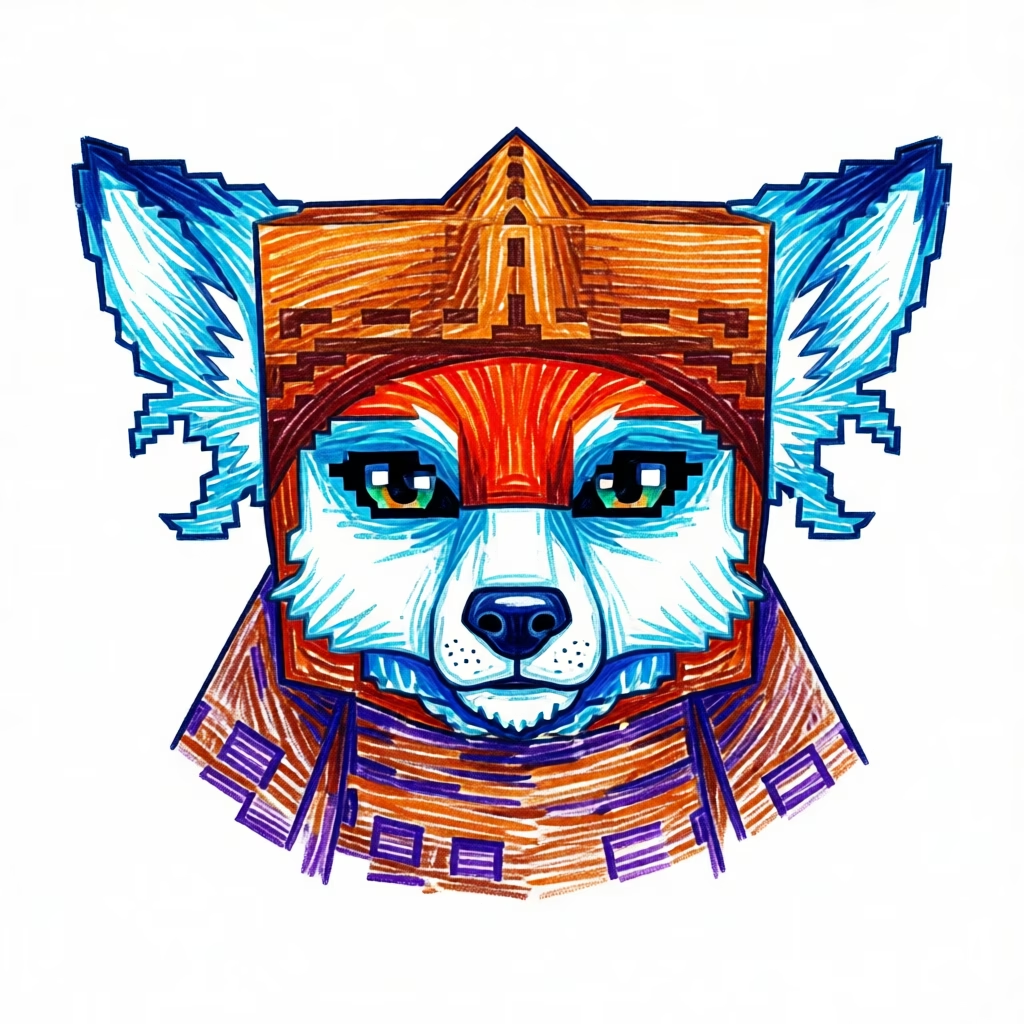
Veri
FeranAgile, curious, a little childish
Fights with daggers and travels with you in search of a rare antidote for his sick Feran clan, infected by a disease from the toxic Skaraks.
Bud Plugin adds LLM-powered NPC companions to your Hytale server. They follow you, fight beside you, remember what happened, and — new as of 2.0 — can be sent off to farm, log, or mine on their own.
Java 25 · Built on the hytale-mod Gradle plugin · Works fully without an LLM configured
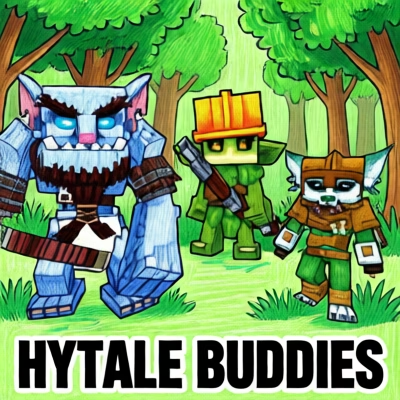
Each Bud is a real Hytale NPC with its own role, weapon, mood, and memory. When an LLM is configured, their reactions are generated live; when it isn't, they fall back to hand-written dialogue for the same events — the mod is fully playable either way, the LLM is what makes it come alive.
Veri, Gronkh and Keyleth — each with a distinct personality, weapon and now a dedicated worker role.
Combat, block breaks, crafting, item pickups, weather, new zones, your chat, even your status effects.
A decaying, priority-ranked memory store per Bud, plus a small set of permanent "legendary" memories.
Every Bud is fully data-driven — new companions are added via a YAML definition and matching game assets, no plugin rebuild required. These three ship by default.
Agile, curious, a little childish
Fights with daggers and travels with you in search of a rare antidote for his sick Feran clan, infected by a disease from the toxic Skaraks.

Grumpy on the outside, fiercely loyal underneath
A powerhouse who fights with a heavy mace, training to protect the northern tribe from the icy "white wanderers" and the undead forces threatening their lands.

Highly intelligent, a bit shy
Supports from afar with a bow while uncovering ancient knowledge in lost temples, seeking to connect them and defeat the Shadow Knight's dark army.
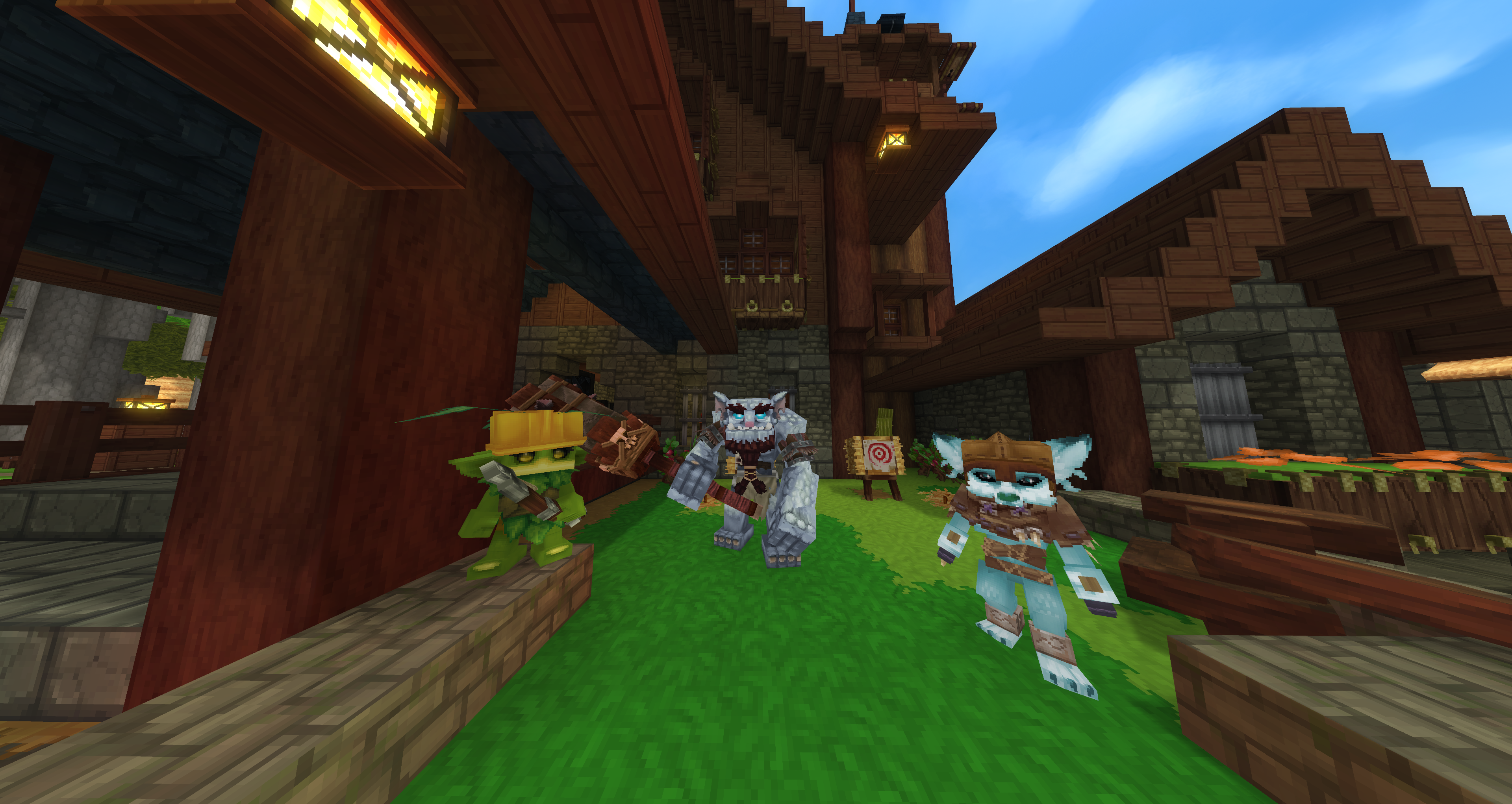
Toggle each Bud between Defensive (fights alongside you), Passive (follows), and Sitting (stays put).
Combat, block placement/breaking, item pickups, crafting, new-zone discovery, weather changes and direct chat mentions all trigger in-character dialogue.
Moods shift over time and color dialogue; each Bud also has a favorite day of the week they get overmotivated on.
Decaying, priority-ranked memories per player and per Bud, plus a small set of permanently retained "legendary" memories.
Buds react to each other's mood changes, spawns and state changes, and can build shared "legendary" memories with one another.
Buds notice and comment on your status effects — poisoned, regenerating health, and more.
New in 2.0: assign a Bud to a Workstation and it farms, logs, or mines the surrounding field on its own. See the dedicated section below.
Summon and dismiss companions with a craftable item instead of chat commands — left-click to summon, right-click to dismiss.
Every reaction has a hand-written fallback line. The mod is fully playable with zero LLM configured — the AI layer is what elevates it, not what it depends on.
Craft a Workstation, bind a Bud to it with a card, and keep it fed with fuel — from there it scans the surrounding field itself and works it autonomously, resting when there's nothing left to do or the fuel runs out.
Tills soil, plants and waters seeds, fertilizes, and harvests ripe crops across the field.
Prepares root space with a shovel, plants and tends saplings, and fells full-grown trees for wood and Life Essence.
Digs holes that grow into minable stone over time, and works ore-bearing main nodes for a steady yield.
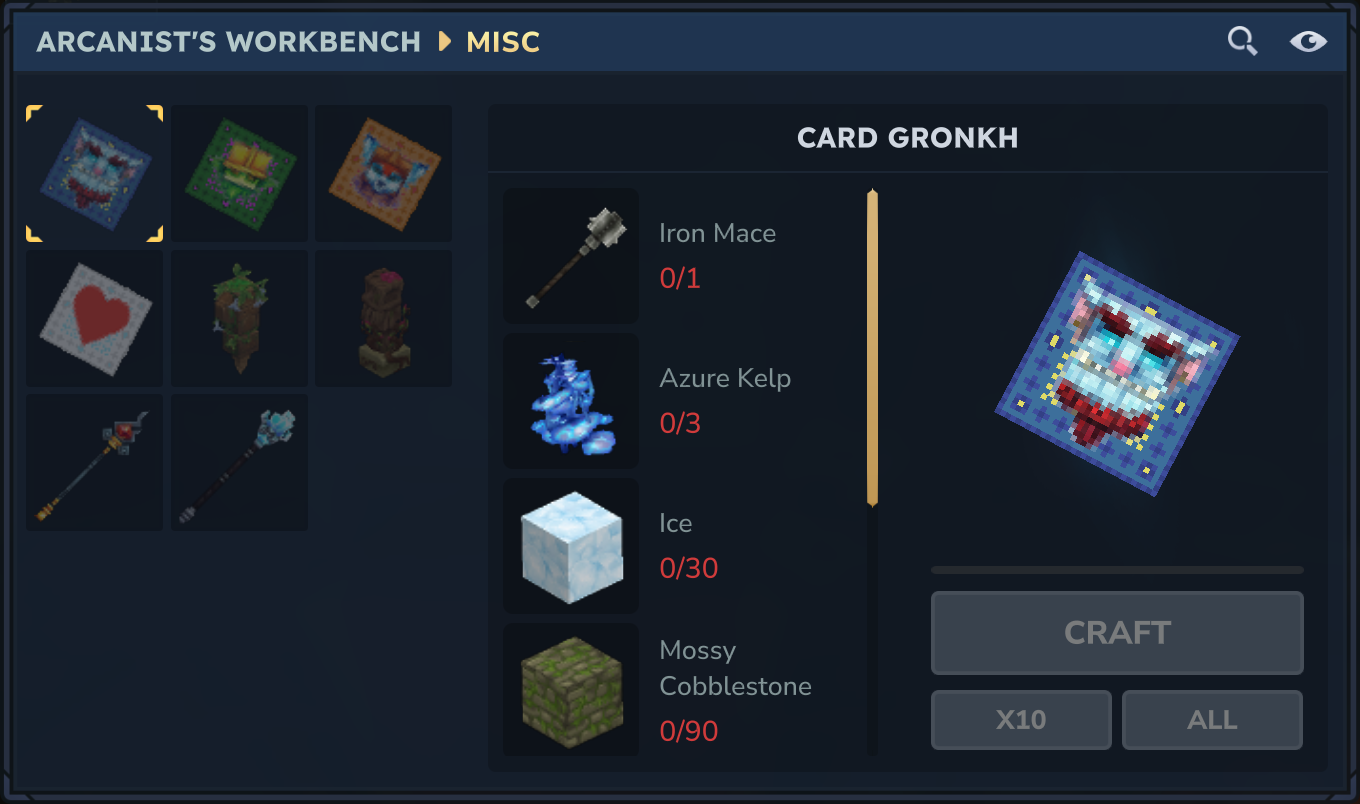
Each companion has its own craftable Bud Card from the Arcane Workbench, plus a roster card that spawns or despawns every default Bud at once.

Creation, deletion, state, memory, prompt, reload and debug — everything runs through /bud <subcommand>, with tab-completion in-game.
LLM, Reaction, Orchestrator, Work, Debug and Conversation config, plus the Bud Registry, prompt management and content versioning — every setting and default, explained.
.\gradlew decompileServer once to prepare IDE sources..\gradlew build — this also runs the JUnit suite..\gradlew runServer./auth login device./auth persistence Encrypted so you don't have to repeat step 4 every run.The plugin works out of the box without any LLM configured — add an LLM.json endpoint later to switch fallback dialogue on for real generated responses.